Logs Management
Log management in XLServer is currently basic but provides essential visibility into both system logs and job task logs.
Application Logfile Access
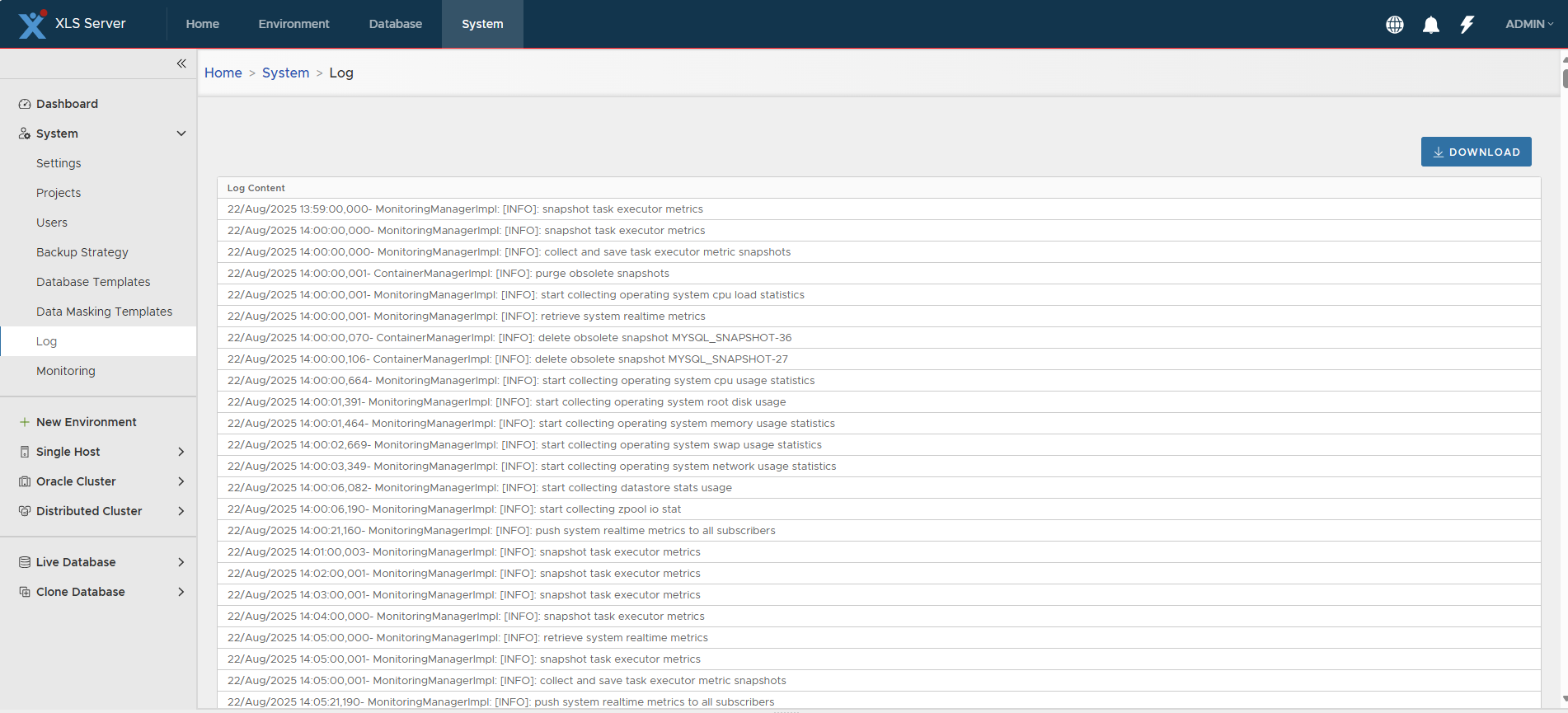
Users can view and download the application logfile from:
System > Log
From this page:
- The tail of the last 1000 rows of the logfile is displayed in the UI.
- Users can click on Download to download the entire logfile for offline inspection.
Job Task Logs
In addition to the application logfile, users can view detailed logs for individual job tasks if they have log files attached.
- Navigate between job tasks by:
- Clicking on a task description to open its child tasks.
- Clicking on the icon near the Description column header to return to the parent task.

Example: Oracle Database Snapshot Job
As an example, for an Oracle database snapshot job:
-
From the job list at the bottom of the screen, navigate through the following tasks:
- Snapshot database CDB19
- Snapshot Oracle database “CDB19”
- Snapshot Oracle live database CDB19
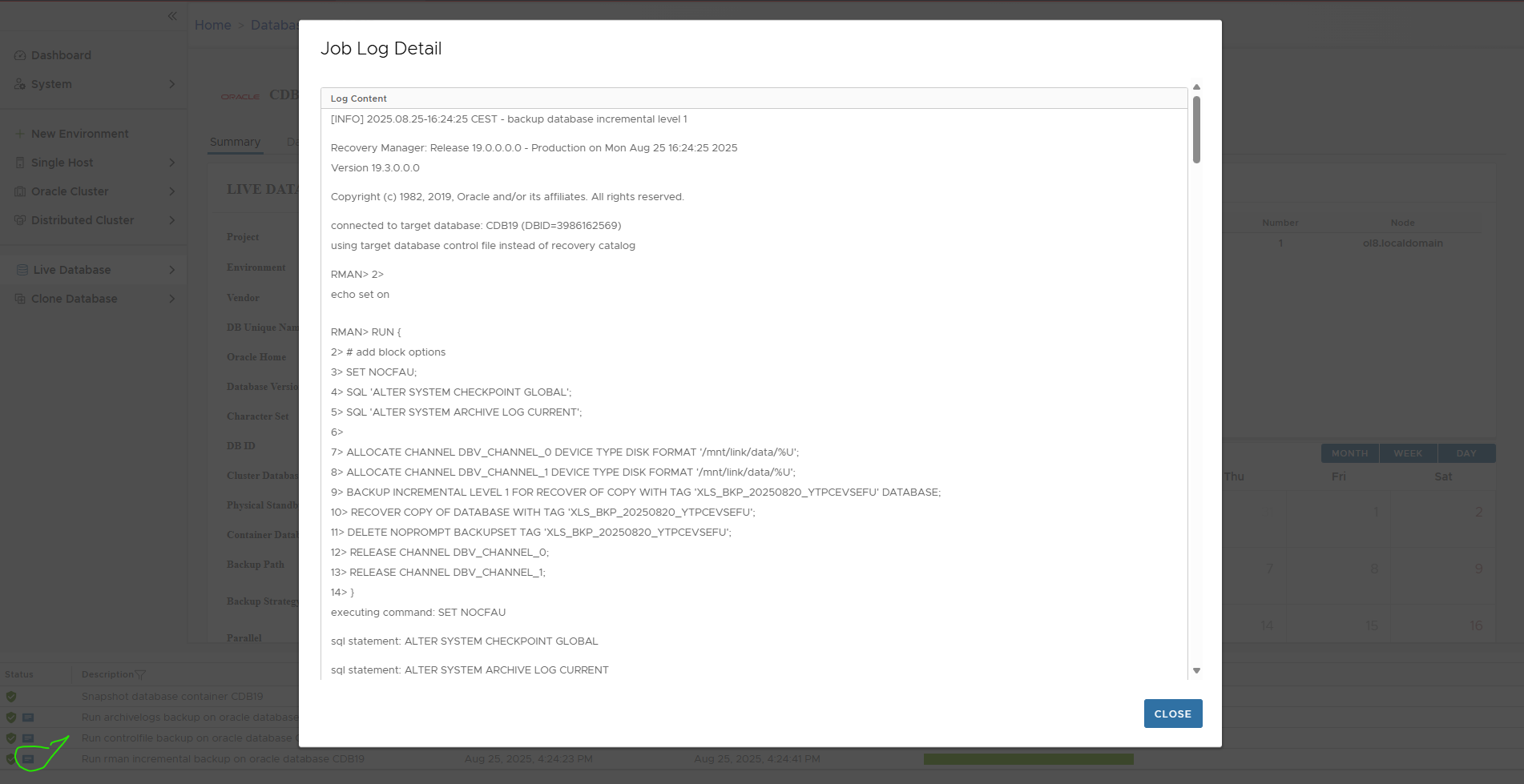
- Run RMAN incremental backup on Oracle database CDB19
-
Click on the file icon in the Status column to display the detailed log of the Oracle incremental backup.